
Why UAE Restaurant Owners Are Switching to Cloud-Based POS Systems
August 4, 2026
Restaurant POS vs Generic POS: Why F&B Needs Purpose-Built Software
August 6, 2026
Walk into any busy restaurant kitchen in Dubai on a Friday night and you’ll see the real test of a point-of-sale system: dozens of dine-in tickets, delivery orders stacking up from three different apps, and a front desk trying to keep table turnover moving without losing track of a single order. A generic retail till simply wasn’t built for that kind of pressure. This is why more UAE restaurant owners are moving toward restaurant-specific POS software instead of adapting a one-size-fits-all system to fit F&B operations.
The challenge is that “restaurant POS” covers a huge range of features, and not every system offers the same depth. Some are little more than a digital cash register with a menu screen bolted on. Others are built specifically around the realities of UAE food service: multi-branch pricing, VAT-compliant invoicing, delivery aggregator integration and live kitchen coordination. Knowing which features actually matter makes the difference between software that saves hours every week and software that just adds another screen to manage.
Table of Contents
What Makes Restaurant POS Software Different
A generic retail POS is built around a single transaction type: scan an item, take payment, print a receipt. Restaurants run on a completely different rhythm. One order might sit open for forty minutes while a table orders drinks, then starters, then mains, with modifiers and special requests attached to each item. A retail till has no concept of a “table,” a “course,” or a “split bill,” which is exactly why purpose-built restaurant software exists.
The right system needs to handle dine-in, takeaway and delivery from the same screen, keep the kitchen and front-of-house in sync in real time, and still produce clean, VAT-compliant invoices at the end of it all. Everything below builds on that foundation.
Order, Table Management and Kitchen Display Integration
Table management is often the first thing owners notice when they switch from a generic system. A proper restaurant POS shows a live floor plan, so staff can see at a glance which tables are seated, which are ready for the bill, and which have been waiting too long without an order being taken. Orders can be split by course, merged across a group booking, or transferred to a different table if guests move, all without re-entering the ticket from scratch.
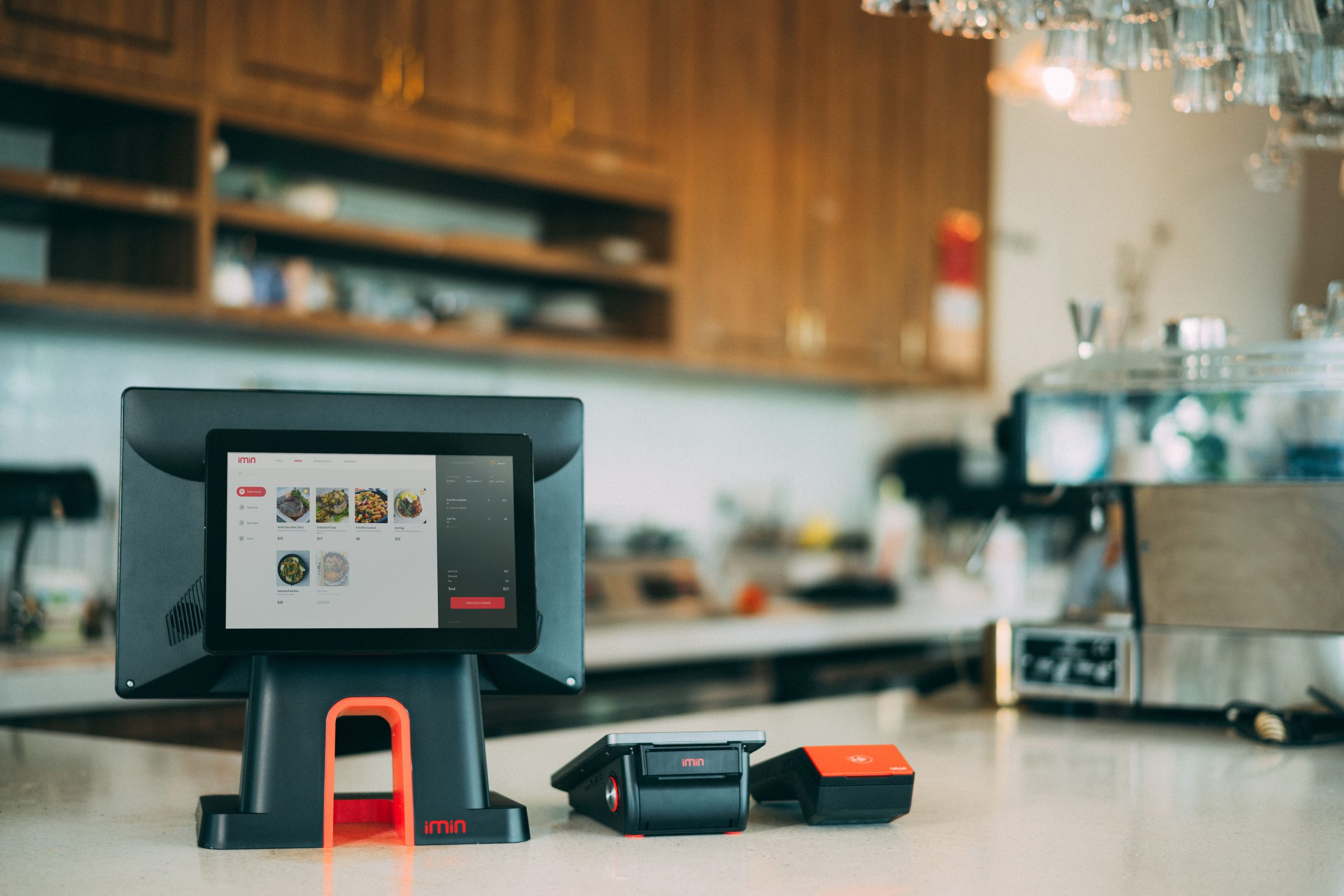
Bill splitting deserves a special mention, since it’s one of the most common frustrations in UAE dining. Whether it’s splitting evenly across a group, itemising who ordered what, or moving one drink onto a separate tab, this needs to take seconds, not minutes, especially during a packed Thursday or Friday night service.
Paper tickets get lost, smudged, or forgotten under a stack of other orders. A kitchen display system (KDS) replaces that paper trail with a screen in the kitchen that shows incoming orders the instant they’re placed, colour-coded by how long they’ve been waiting. Chefs can mark items as started or complete, which automatically updates the front-of-house screen so servers know exactly when a dish is ready to run.
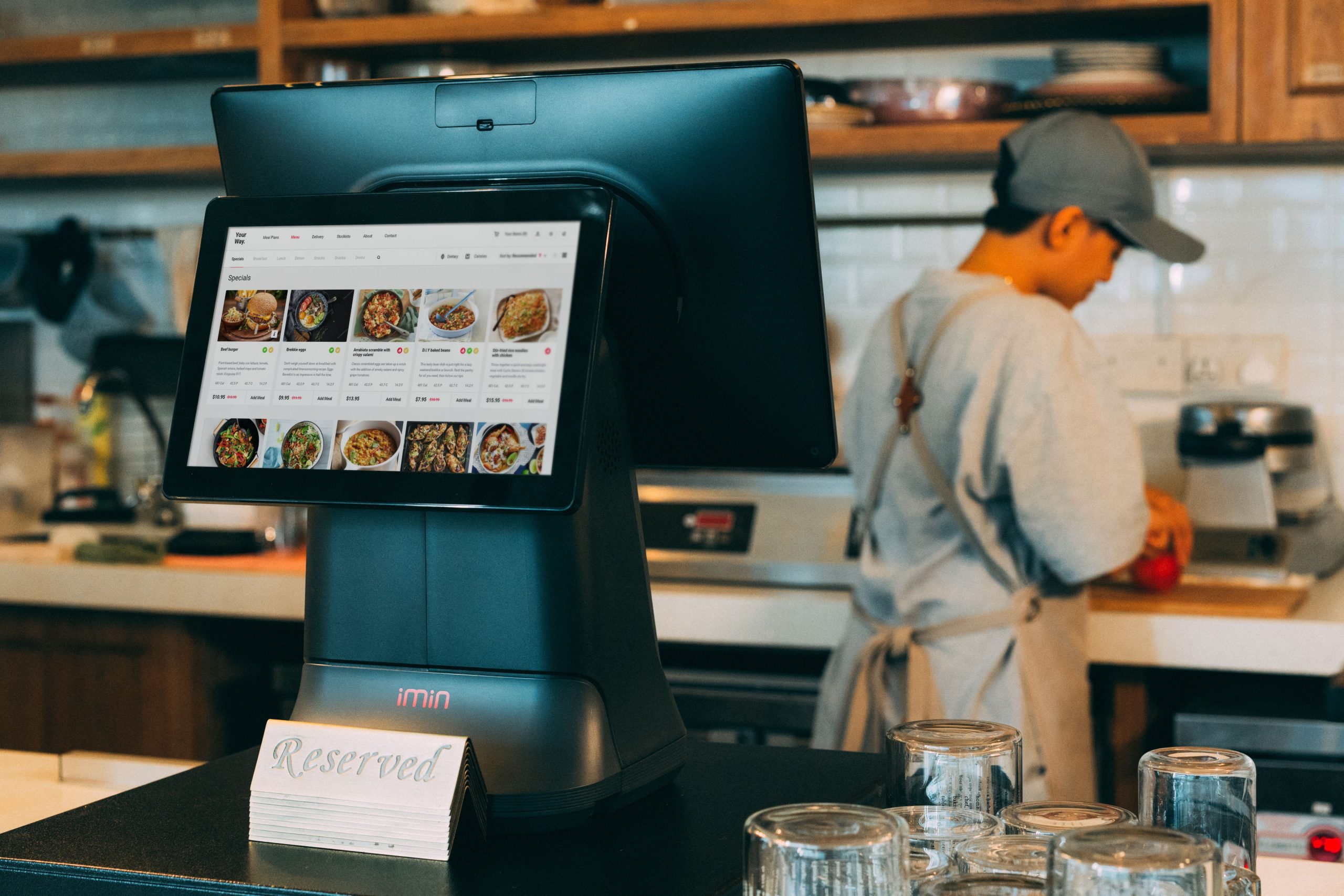
For kitchens juggling dine-in, takeaway and multiple delivery apps at once, a KDS is often what prevents tickets from getting lost during a rush. It also creates a useful record of prep times, which owners can review later to spot bottlenecks at specific stations or times of day.
Menu and Pricing Flexibility Across Branches
Many UAE restaurant groups run more than one location, sometimes across different Emirates, and pricing or menu items don’t always stay identical between branches. A mall location might carry a slightly different price list than a standalone outlet, or a seasonal item might only run at one branch during a promotion. The POS needs to support this without forcing every location onto one rigid, identical menu.
This is where a cloud-based setup makes a real difference. Menu changes, price updates or item availability toggles pushed from head office apply across every branch instantly, instead of someone manually updating each till one by one. It also means a manager can see which branch is driving which items, which matters when deciding where to expand a menu or retire an underperforming dish.
Delivery App and Online Ordering Integration
Delivery now makes up a meaningful share of revenue for most UAE restaurants, and juggling separate tablets for Talabat, Deliveroo, Careem and an in-house ordering page is one of the fastest ways to lose track of orders during peak hours. A restaurant POS with proper digital ordering integration pulls every channel into a single order queue, so the kitchen sees one consistent stream regardless of where the order originated.
This matters beyond convenience. When aggregator orders route directly into the kitchen display and inventory system, stock counts update automatically, menu items can be auto-disabled across all platforms the moment an ingredient runs out, and owners get a single sales report instead of reconciling four separate delivery dashboards at the end of the night.
VAT Compliance and Reporting
Every dine-in, takeaway and delivery sale in the UAE carries a VAT obligation, and restaurants generate a high volume of small transactions compared to most other retail businesses. A restaurant POS should generate correctly formatted, TRN-compliant invoices automatically on every sale, and keep those records centralised so they’re ready if the Federal Tax Authority requests them during an audit.
Reporting matters just as much day to day. Connecting the POS to accounting software means sales, VAT collected and supplier costs flow through without manual re-entry, which saves hours at month-end and reduces the risk of a mismatched VAT return. For multi-branch groups, this also means one consolidated filing instead of stitching together numbers from separate outlets by hand.
Staff Management, Tipping and What to Look For
Behind every smooth service is a rotation of servers, runners and kitchen staff whose hours, tips and performance need to be tracked accurately. A restaurant POS with built-in staff management lets each team member clock in under their own login, so sales, voids and tips are automatically attributed to the right person rather than lumped into one shared till total. Tip pooling and distribution is a common pain point in UAE restaurants that run tip-share arrangements across front-of-house teams. Software that calculates and records this automatically, instead of someone doing it by hand at the end of the night, removes a recurring source of disputes and saves a manager real time every single shift.
With the core features covered, a few practical checks are worth running before committing to any system:
- Table management with easy bill splitting and merging
- Kitchen display system support, not just paper ticket printing
- Native integration with major UAE delivery aggregators
- TRN-compliant invoicing and centralised VAT reporting
- Offline mode that keeps taking orders and syncs once connectivity returns
- Multi-branch support with centralised menu and price control
It’s worth testing these features against a real Friday-night order volume rather than a quiet demo, since software that looks clean with sample data can behave very differently once three delivery apps and a full dining room hit the kitchen at the same time.
Conclusion
The right restaurant POS does more than take payments. It keeps the kitchen and front-of-house in sync, brings every delivery channel into one queue, keeps VAT records clean without manual effort, and gives owners a clear view across every branch from a single dashboard. As UAE restaurants continue to lean on delivery, multi-branch growth and tighter margins, choosing software built specifically for food service, rather than adapted from generic retail, has become less of a nice-to-have and more of an operational necessity.
Frequently Asked Questions
1. What features should a small restaurant look for first?
Start with table management, offline order-taking and TRN-compliant invoicing, since these affect daily operations immediately, even before adding delivery integrations.
2. Can restaurant POS software work without internet?
Most modern systems include an offline mode that keeps recording orders locally and syncs automatically once the connection is restored.
3. Does restaurant POS handle multiple delivery apps at once?
Yes, a properly integrated system pulls orders from platforms like Talabat, Deliveroo and Careem into one kitchen queue instead of separate tablets.
4. Is a kitchen display system necessary for a small kitchen?
It becomes valuable as soon as a kitchen handles more than one order channel at a time, since it prevents tickets from being lost or duplicated during busy periods.
5. How does restaurant POS help with VAT compliance?
It generates correctly formatted, TRN-compliant invoices on every sale and centralises records, making VAT filing and FTA audits far easier to manage.
Looking to upgrade your restaurant’s POS system? Explore iTudeTech’s restaurant POS software or get in touch with our team to find the right setup for your kitchen and branches.