
Best Restaurant POS Features UAE F&B Owners Should Look For
August 5, 2026
Restaurant Inventory Management: How POS Prevents Waste and Stockouts in the UAE
August 7, 2026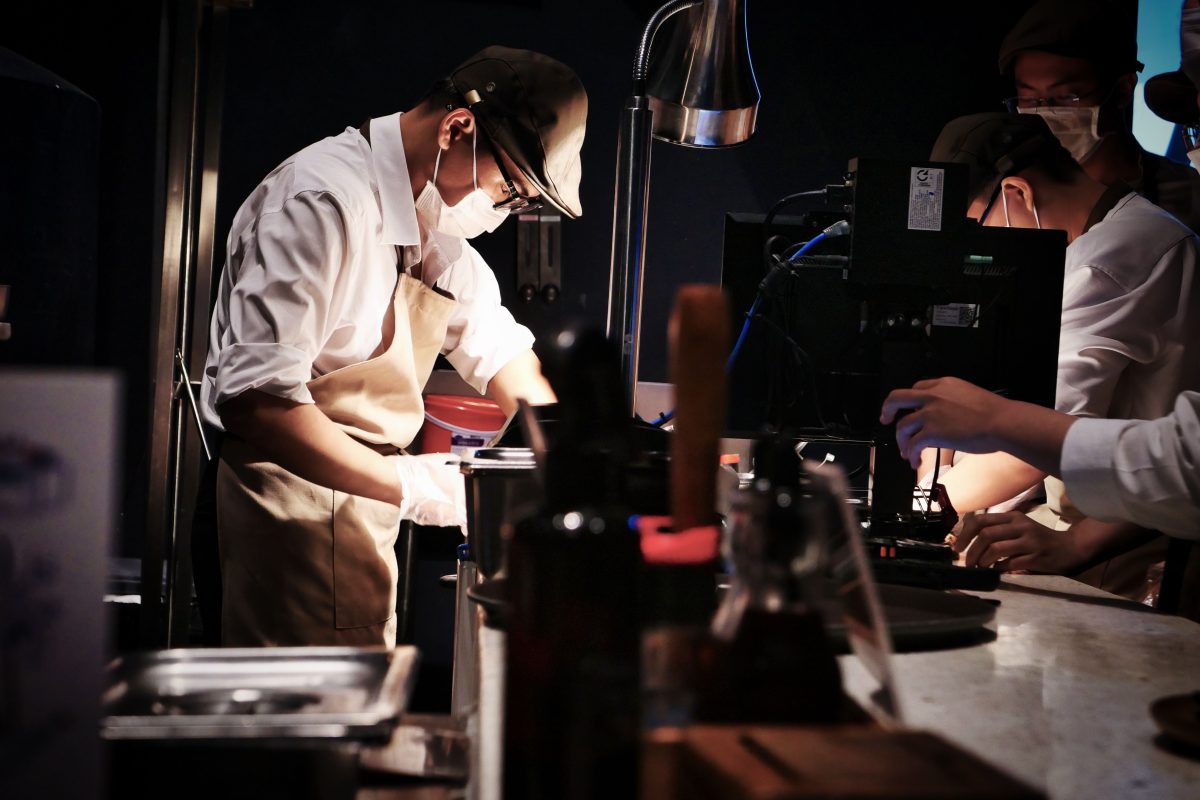
Every point-of-sale system can ring up a sale. That’s not where the comparison ends, and for restaurant owners it’s rarely even where it begins. A generic POS, the kind built to serve any small business from a boutique to a hardware store, handles a transaction the same way every time: item, price, payment, receipt. A restaurant doesn’t work that way. Tables stay open for an hour, orders arrive in courses, tickets need to reach a kitchen instantly, and a single bill might get split four different ways at the end of the night.
So when does a generic system stop being “good enough,” and what does purpose-built restaurant POS software actually add? This comparison breaks down where the two diverge, and where a generic setup can still hold up.
Table of Contents
What a Generic POS Is Built For
A generic point-of-sale system, the kind you’ll find behind a retail counter or a small convenience store, is built around a simple, linear flow: pick an item, scan or select it, take payment, print or send a receipt. It’s built to be broad rather than deep, covering the essentials that any small business needs, like inventory counts, basic reporting and VAT-compliant billing. That breadth is exactly what makes it useful for a shop or boutique, and exactly what limits it once orders stop being single, one-step transactions.
Where Generic Systems Struggle in a Restaurant
Put a generic POS on a restaurant floor and the cracks show up fast. There’s no concept of a table staying open across multiple courses, no way to fire an order straight to the kitchen without someone physically walking a printed ticket back, and no built-in method for splitting one table’s bill five different ways. Staff end up working around the software rather than with it, often falling back on handwritten notes or a separate messaging app just to get orders from the floor to the kitchen.
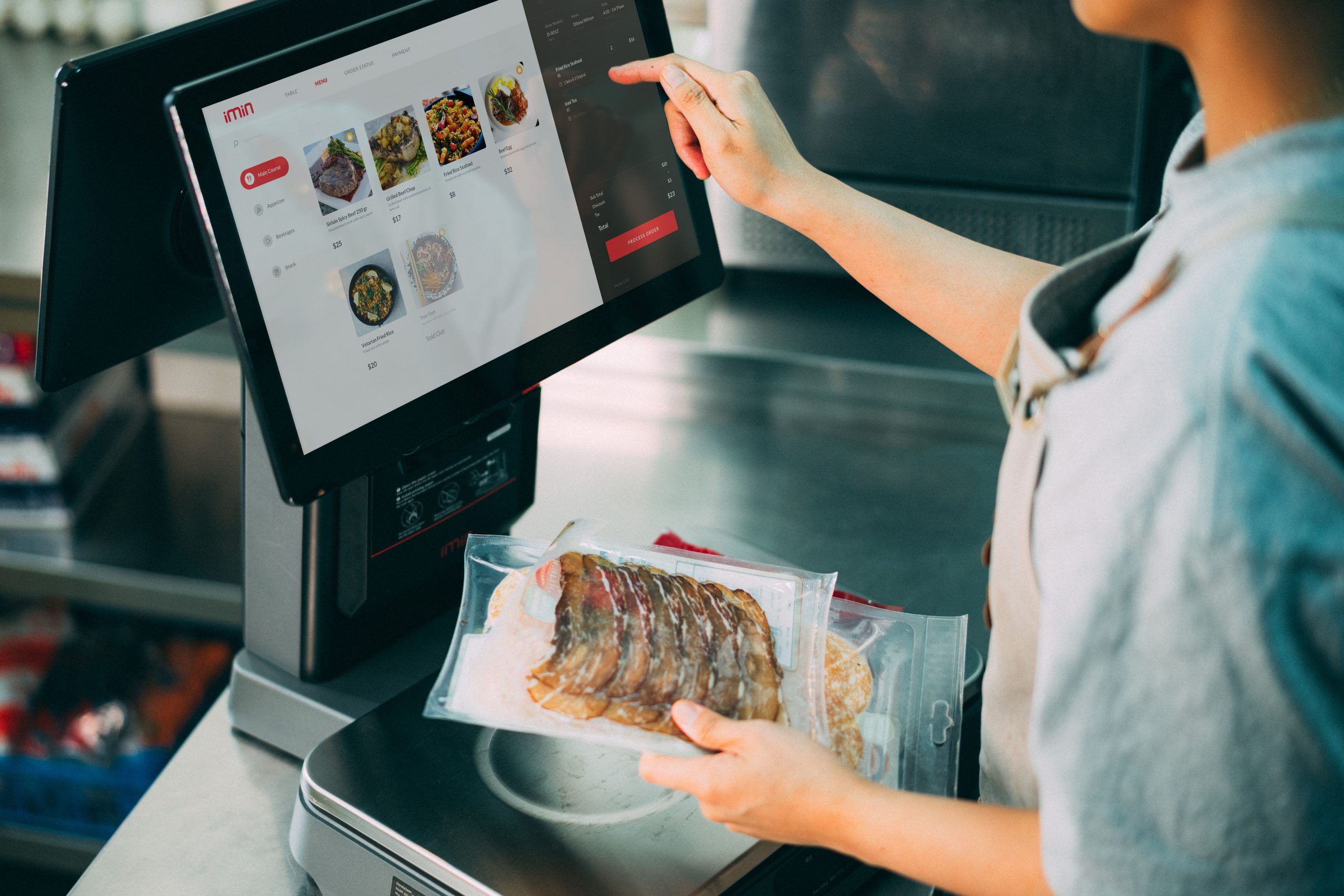
The gap widens further with delivery. A generic system usually has no native way to pull in orders from Talabat, Deliveroo or Careem, which means staff are manually re-entering every delivery order by hand, a slow process that’s also an easy place for mistakes to creep in during a rush.
Order, Table and Kitchen Workflow Built for F&B
This is where restaurant-specific POS software earns its keep. Orders are tied to a table or a tab rather than closed the instant payment happens, so a server can add another round of drinks twenty minutes into a meal without opening a new ticket. Kitchen display integration sends the order straight to the back of house the moment it’s placed, with no paper, no walking, and no risk of a ticket getting lost under a stack of others during a busy service.
Bill splitting, course timing and table transfers are all handled natively rather than worked around, because the software was designed with the specific rhythm of restaurant service in mind from the start rather than adapted to fit it after the fact.
VAT, Delivery and Multi-Branch Support
UAE restaurants deal with a higher volume of small, fast transactions than most other businesses, and a large share of those now arrive through delivery apps rather than a physical counter. Purpose-built restaurant POS software pulls Talabat, Deliveroo and Careem orders directly into one queue, generates TRN-compliant invoices automatically on every sale, and keeps VAT records centralised for when the Federal Tax Authority comes asking.
Multi-branch groups get an added layer most generic systems don’t offer at all: centralised menu and price control through a cloud-based dashboard, so a change made at head office rolls out to every branch instantly instead of being updated till by till.
Restaurant POS vs Generic POS at a Glance
Here’s how the two compare on the features that matter most to a restaurant floor and kitchen:
- Table management: Native in restaurant POS with live floor plans; absent in generic POS
- Kitchen display integration: Built-in with restaurant POS; generic systems rely on printed tickets or none at all
- Delivery app integration: Native in restaurant POS; usually manual re-entry with generic POS
- Bill splitting by course or guest: Standard in restaurant POS; limited or absent in generic POS
- Multi-branch menu sync: Centralised in restaurant POS; often manual, till-by-till in generic POS
- VAT and TRN invoicing: Available in both, though restaurant POS handles higher transaction volume more reliably
- Inventory and stock tracking: Available in both, at similar depth for most everyday use
When a Generic POS Might Still Work
Purpose-built software isn’t automatically the right call for every food business. A small takeaway counter with no seating, a single simple menu and little to no delivery volume can often run perfectly well on a generic retail POS, since there’s no table management or course timing to worry about in the first place.
The calculation changes the moment seating, multiple courses, delivery aggregators or a second branch enter the picture. At that point, the workarounds a generic system demands start costing more in staff time and order errors than a purpose-built system would cost to run.
Conclusion
A generic POS and a restaurant POS can both process a payment, but only one of them is built around how a restaurant actually runs: open tables, course-by-course orders, a kitchen that needs to see tickets instantly, and a growing share of revenue arriving through delivery apps. For a simple takeaway counter, generic software may still be enough. For anything with seating, multiple courses or more than one branch, purpose-built restaurant POS software isn’t a luxury upgrade, it’s the tool built for the job.
Frequently Asked Questions
1. Can a small café just use a basic retail POS?
Yes, if it’s counter-service only with no seated table management, course timing or delivery aggregator integration needed.
2. What’s the biggest sign a restaurant has outgrown a generic POS?
Staff manually re-entering delivery orders or relying on paper tickets and side apps to get orders to the kitchen is usually the clearest signal.
3. Is switching POS systems disruptive for an operating restaurant?
A well-planned migration can typically happen with minimal downtime, often scheduled during a slower period with staff trained on the new system beforehand.
4. Does a restaurant POS cost more than a generic one?
Pricing varies by provider, but the added functionality is usually offset by fewer order errors, less staff time spent on manual workarounds and faster table turnover.
5. Can one system serve both a retail counter and a restaurant under the same brand?
Yes, some providers offer both retail and restaurant modules under one account, which is useful for brands that operate a retail-style grab-and-go counter alongside seated dining.
Not sure which setup fits your business? Explore iTudeTech’s restaurant POS software or get in touch with our team to talk through what your floor and kitchen actually need.