

Jewelry Store POS Software in the UAE: Gold Rate Pricing, Hallmarking and Stock Security
August 13, 2026
Food Truck POS Software in the UAE: Offline Reliability, Compact Hardware and Mobile Payments
August 27, 2026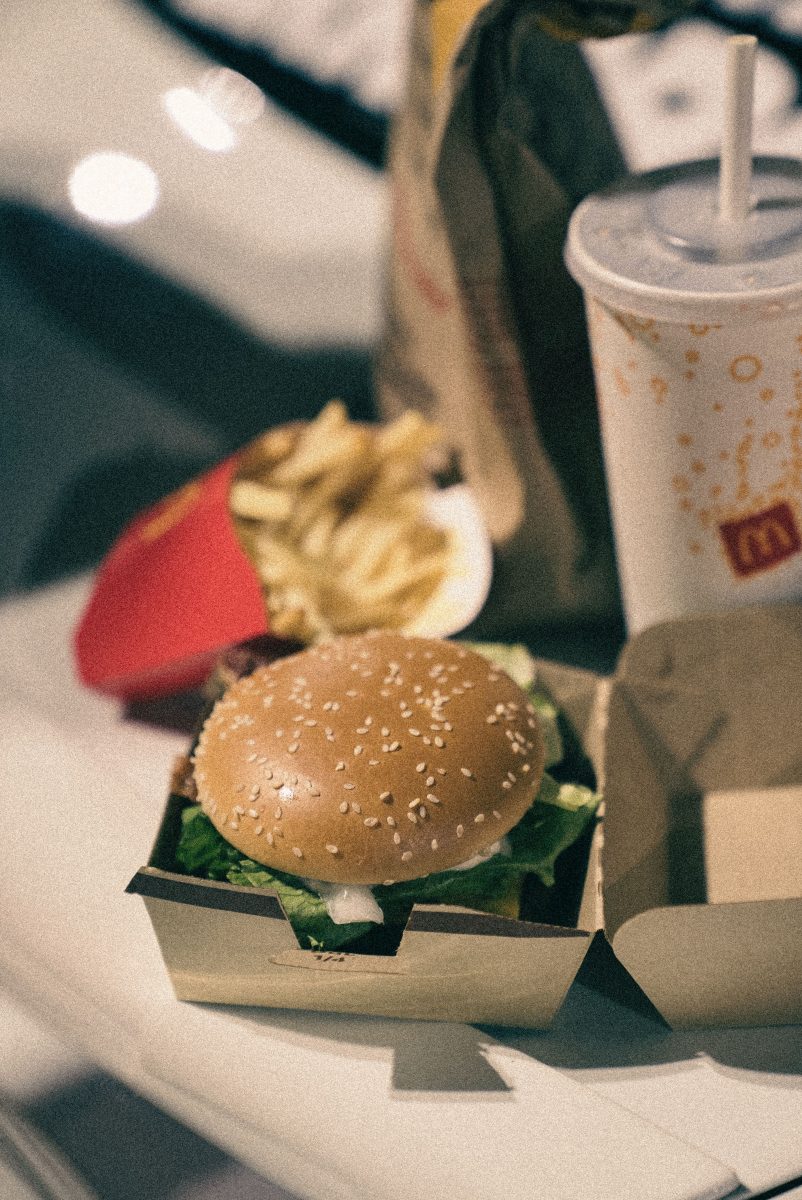
A fast food counter runs on a completely different rhythm than a sit-down restaurant. There’s no table to manage, no course pacing, no forty-minute dining window, just a constant stream of short transactions where every extra second at the till or the drive-thru speaker adds up across hundreds of orders a day. A POS built around table service handles this poorly, because speed and repetition matter here in a way they simply don’t for a full-service dining room. Purpose-built fast food POS software is designed around exactly that rhythm.
Here’s what that actually looks like in practice for a UAE fast food operation.
Table of Contents
Why Fast Food Needs a Different POS Logic
A full-service restaurant POS is built around an order that stays open across a meal, with courses, table transfers and bill splitting. Fast food doesn’t work that way. Most orders are placed, paid and fulfilled within minutes, often through more than one channel at once, counter, kiosk and drive-thru simultaneously. The software needs to prioritise raw throughput: how fast an order can be entered, confirmed and sent to the kitchen, with menu logic built around a short, repeatable set of combos and modifiers rather than a large multi-course menu.
Self-Order Kiosks and Counter Speed
Self-order kiosks let customers build their own order at their own pace without waiting for a staff member to be free, which spreads order-taking across multiple touchpoints instead of bottlenecking everyone through one till. This matters most during lunch and dinner rushes, when a queue that would otherwise back up to the door can be absorbed by two or three kiosks running in parallel with the counter.
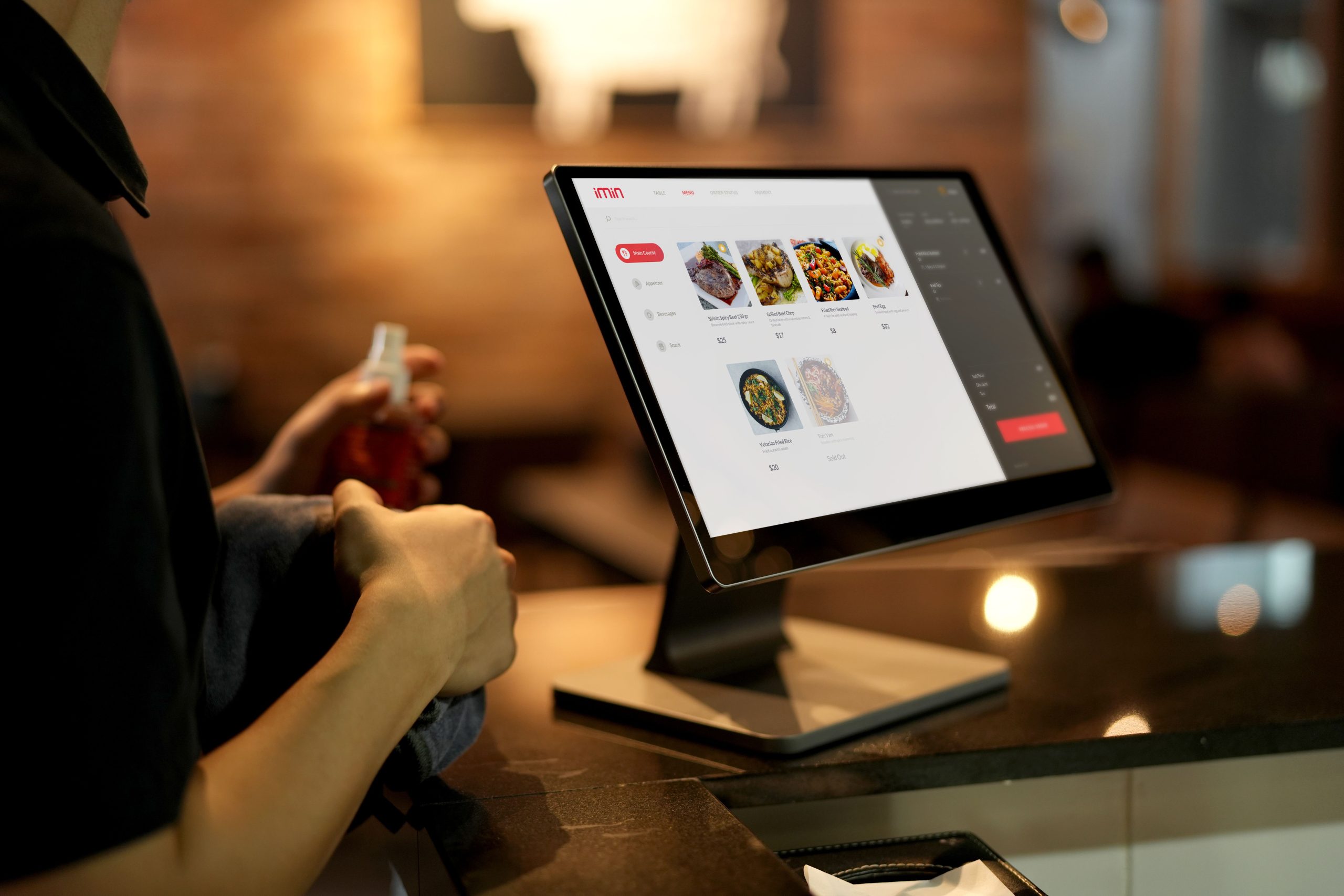
Kiosk orders also route directly into the same kitchen queue as counter and drive-thru orders, so staff aren’t juggling separate screens or ticket streams depending on where the order originated.
Drive-Thru Order Accuracy and Sequencing
Drive-thru service depends on getting the sequence right, taking the order, confirming it back, preparing it, and handing it to the correct car in the correct order, all without a queue backing up onto the street. Fast food POS software keeps each drive-thru order tagged and sequenced from the speaker post through to the pickup window, so staff always know which bag belongs to which vehicle, even when two or three cars are being served within the same minute.
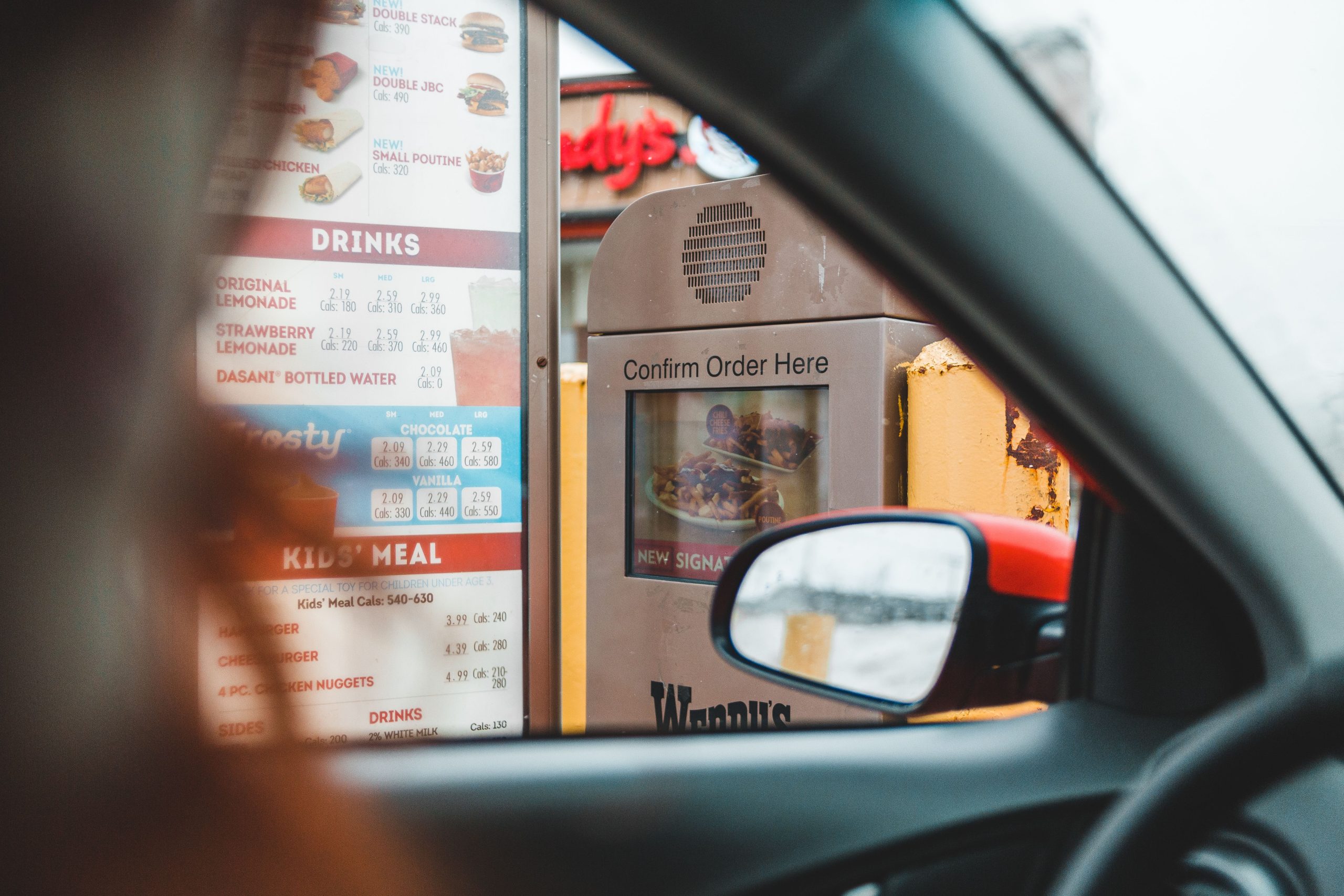
Order confirmation on-screen at the speaker post also cuts down on the classic drive-thru mistake, mishearing an order over background noise, since the customer can see exactly what’s been entered before pulling forward.
Combo Meals, Modifiers and Upselling
Most fast food revenue is built around combo pricing rather than single-item sales, so the POS needs to handle bundled pricing, size upgrades and ingredient modifiers as fast, one-tap selections rather than a manual price calculation. Suggested upsells, a size upgrade, an added side, appear automatically at the natural point in the order flow, since a prompt built into the till is far more consistent than relying on every staff member remembering to ask.
Modifiers matter just as much for accuracy as speed. When “no onions” or “extra sauce” is a structured option rather than a handwritten note, it travels cleanly from the till to the kitchen display without getting lost or misread during a busy rush.
Kitchen Display Sync for High-Throughput Prep
With counter, kiosk and drive-thru orders all landing in the kitchen at once, a kitchen display system is what keeps prep organised rather than chaotic. Orders appear the instant they’re placed, colour-coded by wait time, so the kitchen can prioritise whichever ticket has been sitting longest instead of working strictly in the order tickets happen to print. For fast food specifically, where target prep times are often measured in seconds rather than minutes, this visibility is what keeps service consistent during peak hours rather than falling apart under volume.
VAT and Multi-Channel Reporting
With sales coming through counter, kiosk, drive-thru and often delivery app integration at once, fast food POS software needs to generate correctly formatted, TRN-compliant invoices consistently across every channel, and roll them into a single sales report rather than four separate ones. This also makes it far easier to spot which channel is actually driving revenue at different times of day, morning counter traffic behaves very differently from a late-night drive-thru rush, and that split matters for staffing decisions as much as it does for VAT reporting.
Conclusion
Fast food runs on speed and repetition in a way full-service dining doesn’t, and the POS behind it needs to match that rhythm: kiosks and counters working in parallel, drive-thru orders sequenced without mix-ups, combos and modifiers handled in a single tap, and a kitchen display keeping prep organised under real volume. For UAE fast food operators, that combination is what keeps queues short and orders accurate, even during the busiest rush of the day.
Frequently Asked Questions
1. Does a self-order kiosk actually speed things up?
Yes, kiosks spread order-taking across multiple touchpoints instead of a single till, which reduces queue buildup during peak hours.
2. How does the POS reduce drive-thru order mistakes?
On-screen order confirmation at the speaker post lets customers verify their order before pulling forward, catching mishearing errors before they reach the kitchen.
3. Can combo pricing update automatically during promotions?
Yes, promotional combo pricing can be scheduled or applied across all channels at once without staff manually updating prices at each till.
4. Is fast food POS software suitable for a single small outlet?
Yes, the same speed-focused features apply just as much to a single counter-only outlet as to a multi-branch chain with a drive-thru.
5. How does reporting work across counter, kiosk and drive-thru sales?
All channels feed into a single consolidated sales and VAT report, rather than requiring separate reports to be manually combined.
Ready to speed up your counter, kiosk and drive-thru service? Explore iTudeTech’s fast food POS software or get in touch with our team to see how it fits your operation.